January 7, 2021 / Nirav Shah
Lighttpd is an open-source web server with a little memory imprint when compared with other web servers, viable administration of the CPU-load, and a serious list of capabilities (FastCGI, SCGI, Auth, Output-Compression, URL-Rewriting and some more) and intended for elite conditions.
Running a high-performance web-server on AWS Centos machine
Spread Love By Sharing:
Related Blogs
Install Magento in AWS Step By Step: The Ultimate Setup Guide
Magento On Amazon Web Services: Ultimate Guide
17 New AWS Services In 2022 | AWS Latest Services
Services
In this blog post, we will detail the means in introducing Lighttpd web-worker on CentOS 8.
sudo yum update
Step 1: Install Lighttpd
sudo yum install lighttpd
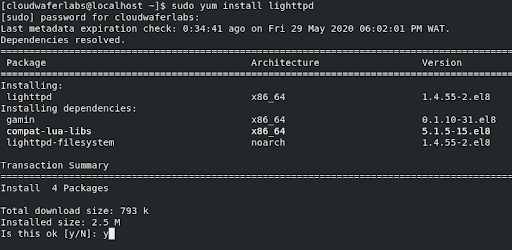
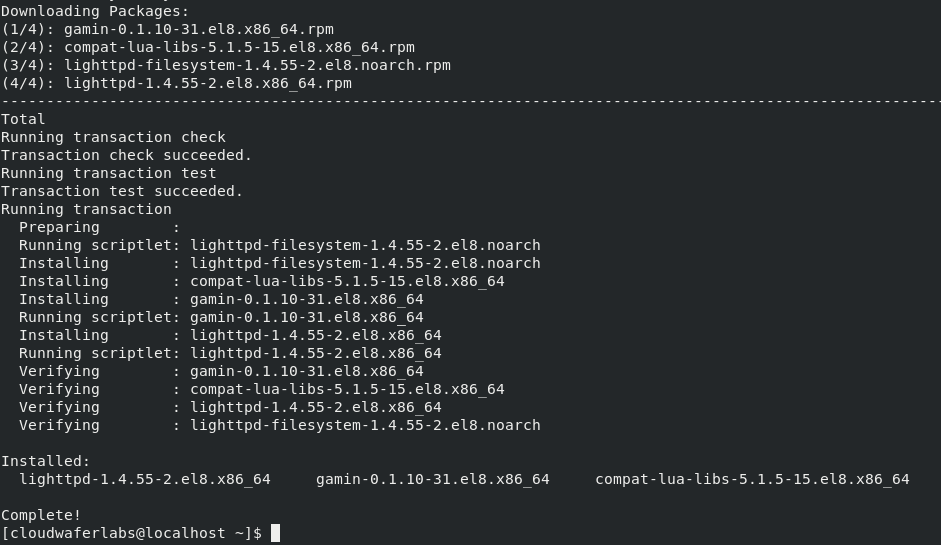
Step 2: After successfully installing Lighttpd, we are going to start the service
sudo systemctl start lighttpd
sudo systemctl enable lighttpd
Step 3: To check the status of the Lighttpd service
sudo systemctl status lighttpd

Step 4: You can check the version by
lighttpd -v
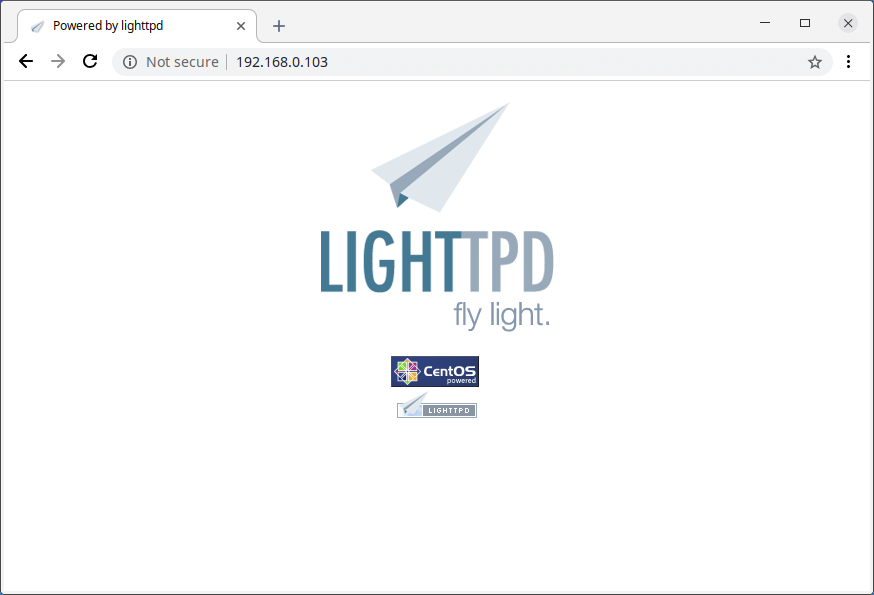
And it is done. Take your public IP and hit it and you will get the below page.
Related: How to Install PHP GD Library on CentOS using WHM


Nirav Shah is the Director of Eternal Web Pvt Ltd, an AWS Advanced Consulting Partner and certified Odoo Partner based in the UK. With over a decade of experience in cloud computing, digital transformation, and ERP implementation, Nirav helps enterprises adopt the right technology to solve complex business challenges. He specialises in AWS infrastructure, Odoo ERP, and web development solutions for businesses across the UK and beyond.
Have queries about your project idea or concept? Please drop in your project details to discuss with our AWS Global Cloud Infrastructure service specialists and consultants.