
July 17, 2020 / Nirav Shah
How to secure S3 using cloud front. So we don’t want users to be able to browse to our S3 bucket using the S3 URL, we want to force them using CloudFront.
So sign-in to your AWS account And go to the s3 service.
Step 1
Create a bucket, Here the name is “Eternal2020”.
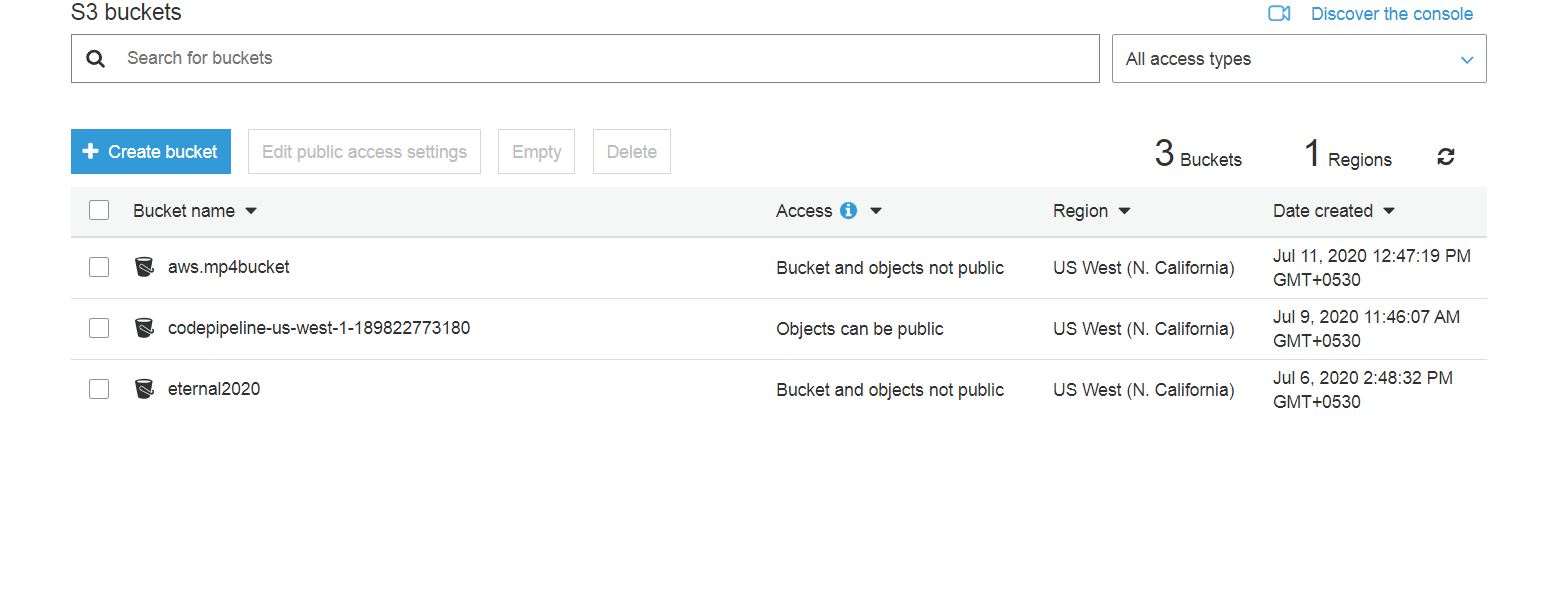
Step 2
Go to “cloud front” and we need to create a distribution.
Click on “click distribution”.
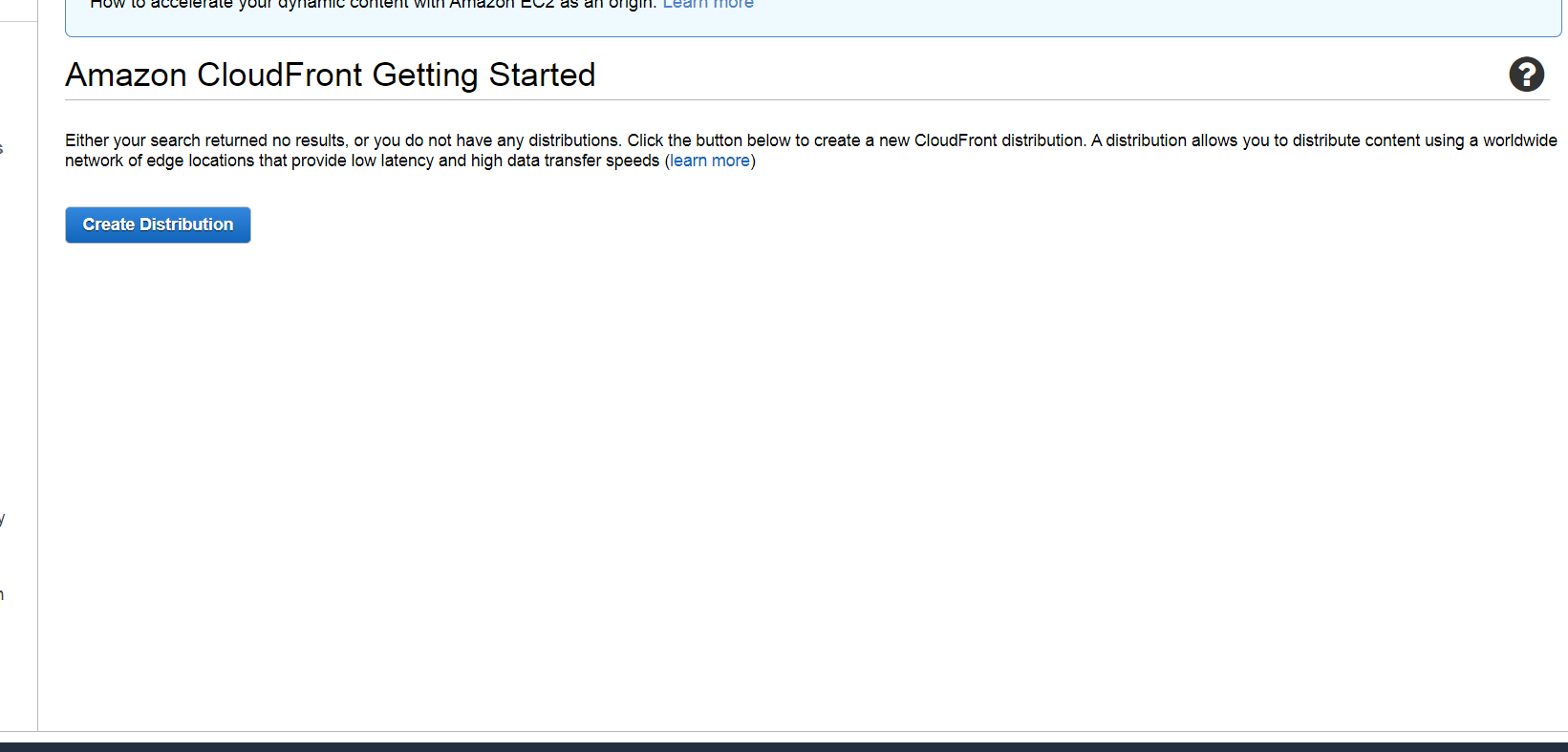
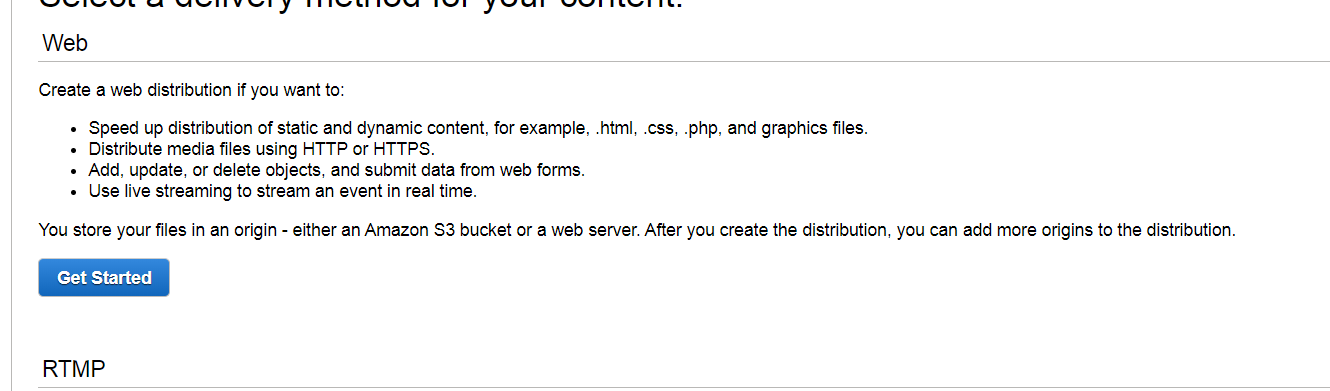
Step 3
Add your bucket name on origin domain name Changed it all other stuff which we have highlighted.
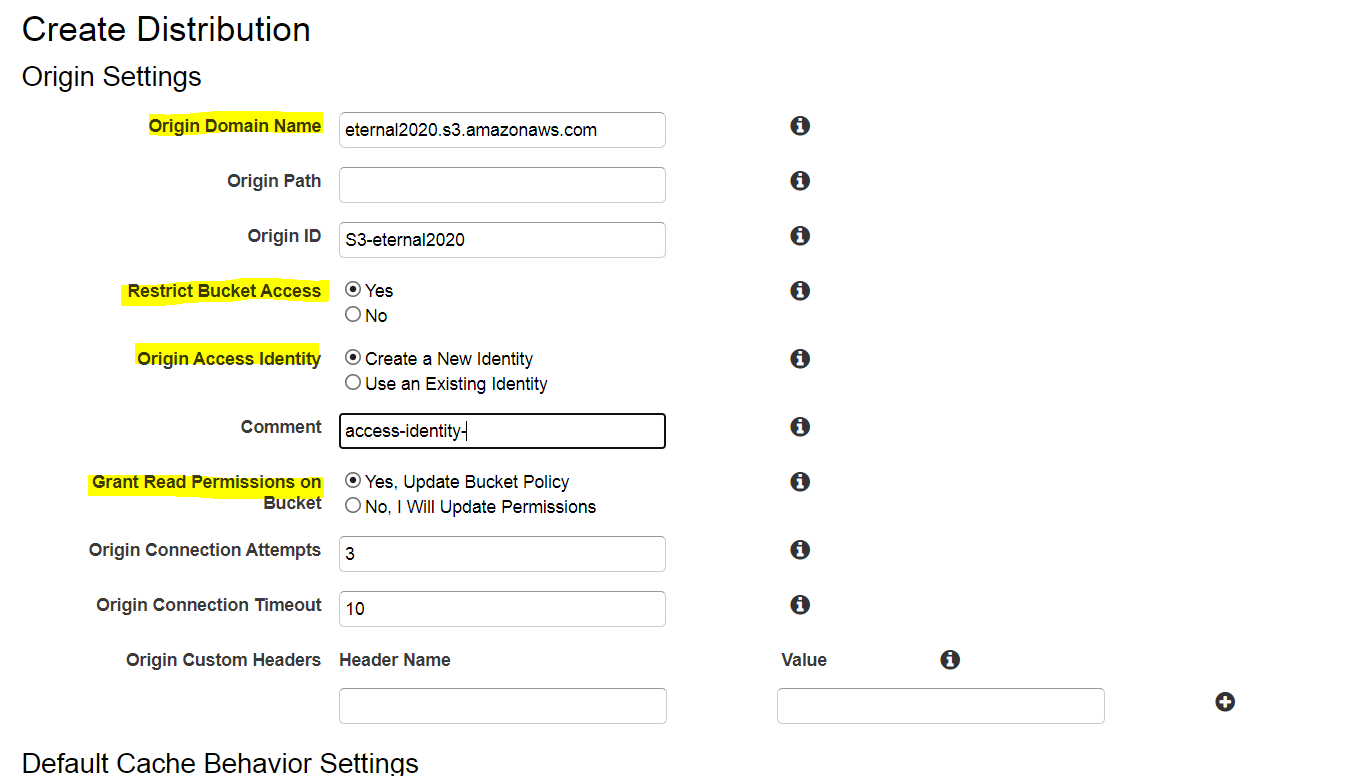
And down and click on “create distribution”.
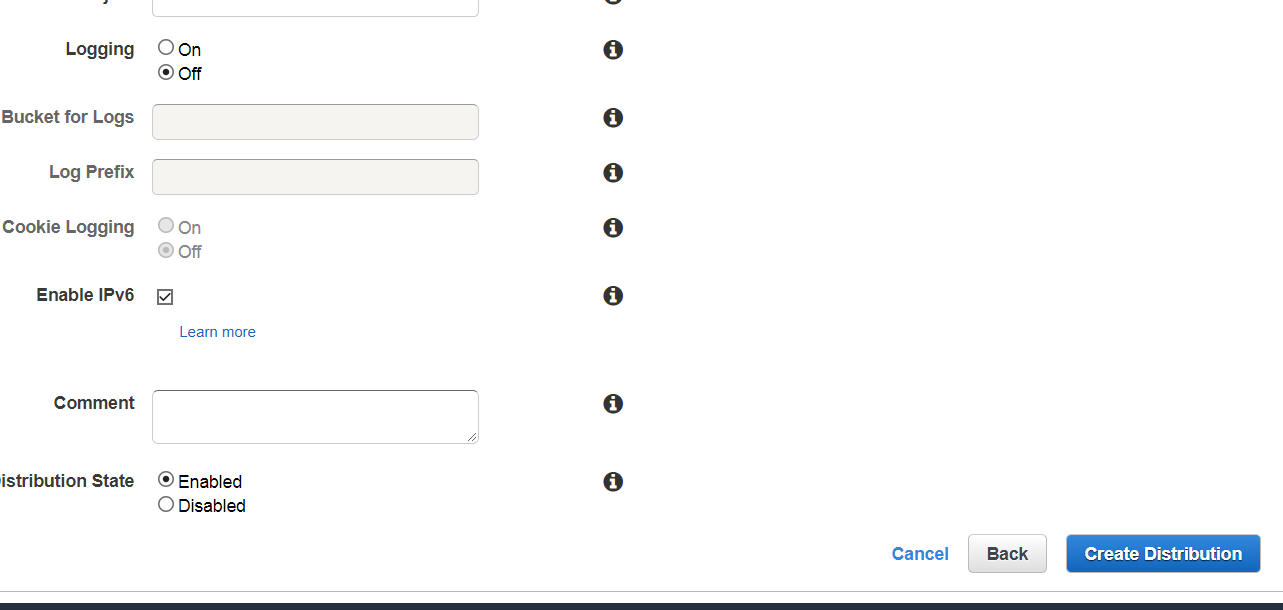
Now go to your bucket and add some object And it has been done, but Cloudfront can take some time And how long is a while?
Well, it is actually quite annoying. But If you go back to your distribution, you can see that you are going to be redeploying right now. And you can wait till the status has changed to deployed.
But if anything wrong i will put the link so that it will easy for you.


Nirav Shah is the Director of Eternal Web Pvt Ltd, an AWS Advanced Consulting Partner and certified Odoo Partner based in the UK. With over a decade of experience in cloud computing, digital transformation, and ERP implementation, Nirav helps enterprises adopt the right technology to solve complex business challenges. He specialises in AWS infrastructure, Odoo ERP, and web development solutions for businesses across the UK and beyond.
Have queries about your project idea or concept? Please drop in your project details to discuss with our AWS Global Cloud Infrastructure service specialists and consultants.