
January 7, 2021 / Nirav Shah
Apache Cassandra database is the right choice when you need scalability and high availability without compromising performance. Cassandra consistently outperforms popular NoSQL alternatives in benchmarks and real applications, primarily because of fundamental architectural decisions. Linear scalability and proven fault-tolerance on commodity hardware or cloud infrastructure make it the perfect platform for mission-critical data.
Prerequisites
You have to install Java 8. You can learn how to do so by visiting our blog post on installing java on EC2. And after installation check the java version.
#Java –version
Updating System Packages
sudo yum update -y
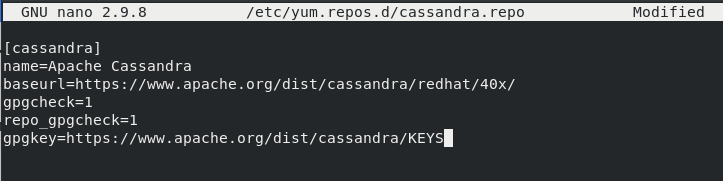
Step 1: Adding Apache Cassandra repository by below command.
sudo nano /etc/yum.repos.d/cassandra.repo

[cassandra]

name=Apache Cassandra

baseurl=https://www.apache.org/dist/cassandra/redhat/40x/

gpgcheck=1

repo_gpgcheck=1

gpgkey=https://www.apache.org/dist/cassandra/KEYS
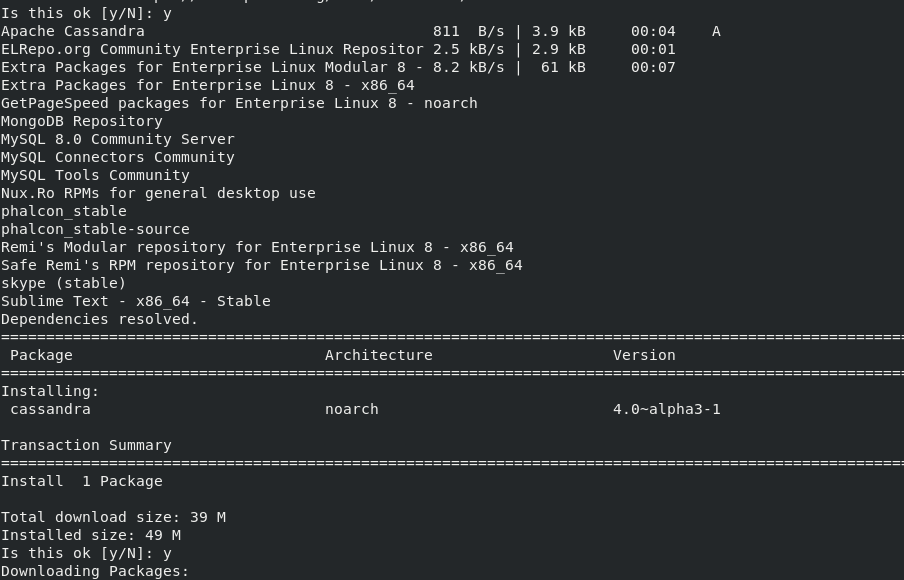
Next, install the Apache Cassandra by below command
sudo yum install cassandra
Step 2: Start and enable Cassandra
sudo systemctl enable cassandra
sudo systemctl start cassandra
Check the status by below command,
sudo systemctl status cassandra
For more information, please read the official documentation of Apache Cassandra.


Nirav Shah is the Director of Eternal Web Pvt Ltd, an AWS Advanced Consulting Partner and certified Odoo Partner based in the UK. With over a decade of experience in cloud computing, digital transformation, and ERP implementation, Nirav helps enterprises adopt the right technology to solve complex business challenges. He specialises in AWS infrastructure, Odoo ERP, and web development solutions for businesses across the UK and beyond.
Have queries about your project idea or concept? Please drop in your project details to discuss with our AWS Global Cloud Infrastructure service specialists and consultants.