
June 18, 2020 / Nirav Shah
Also read : Custom Cloud watch Metrics for AWS EC2 Instance
Get the IDs of the EC2 instances that you want to stop and start, and then follow these instructions.
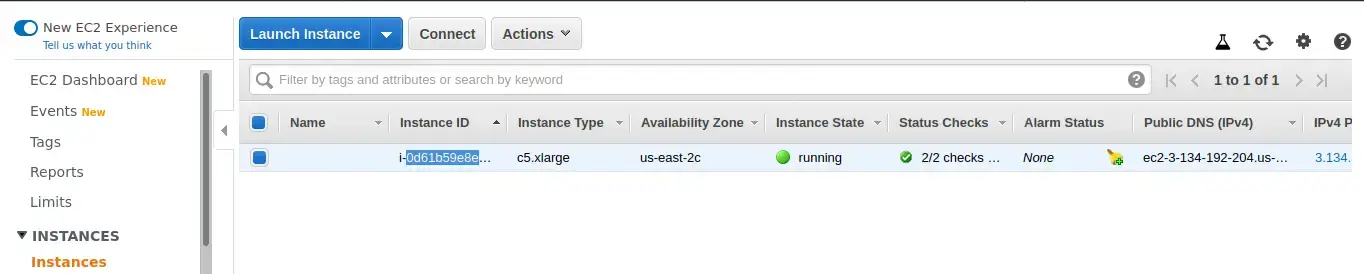
Create an IAM policy using the JSON policy editor. Paste this JSON policy document into the policy editor:
{
  "Version": "2012-10-17",
  "Statement": [
    {
      "Effect": "Allow",
      "Action": [
        "logs:CreateLogGroup",
        "logs:CreateLogStream",
        "logs:PutLogEvents"
      ],
      "Resource": "arn:aws:logs:*:*:*"
    },
    {
      "Effect": "Allow",
      "Action": [
        "ec2:Start*",
        "ec2:Stop*"
      ],
      "Resource": "*"
    }
  ]
}
Step 1
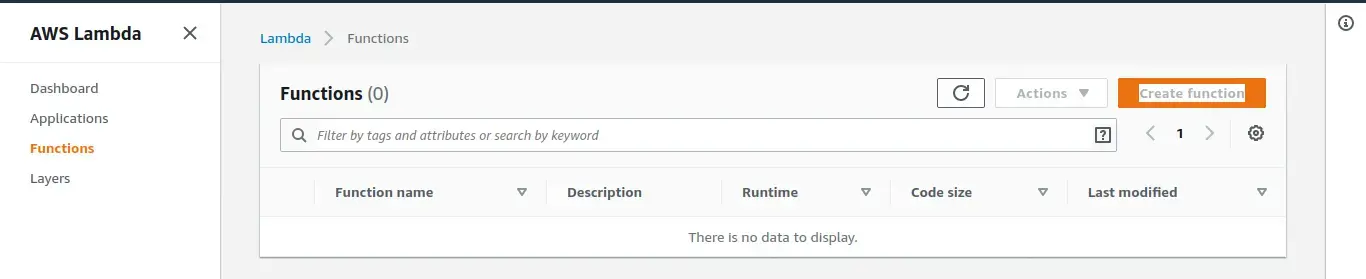
Step 2
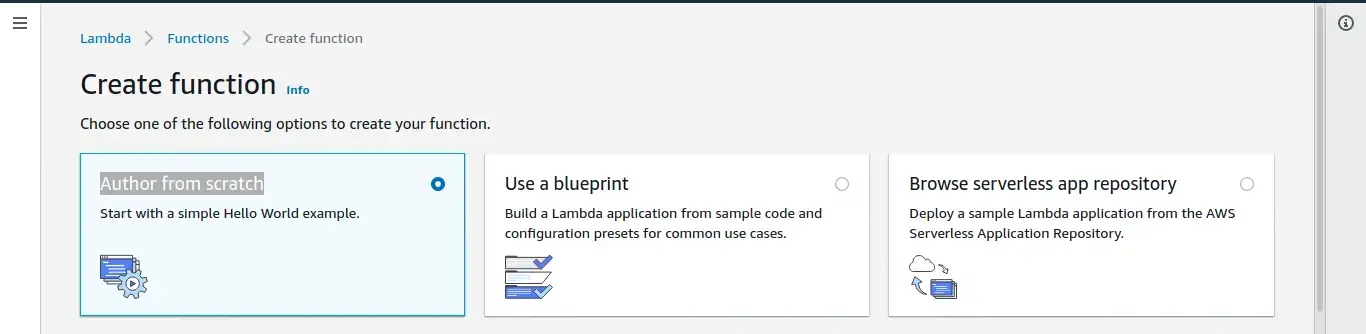
Step 3
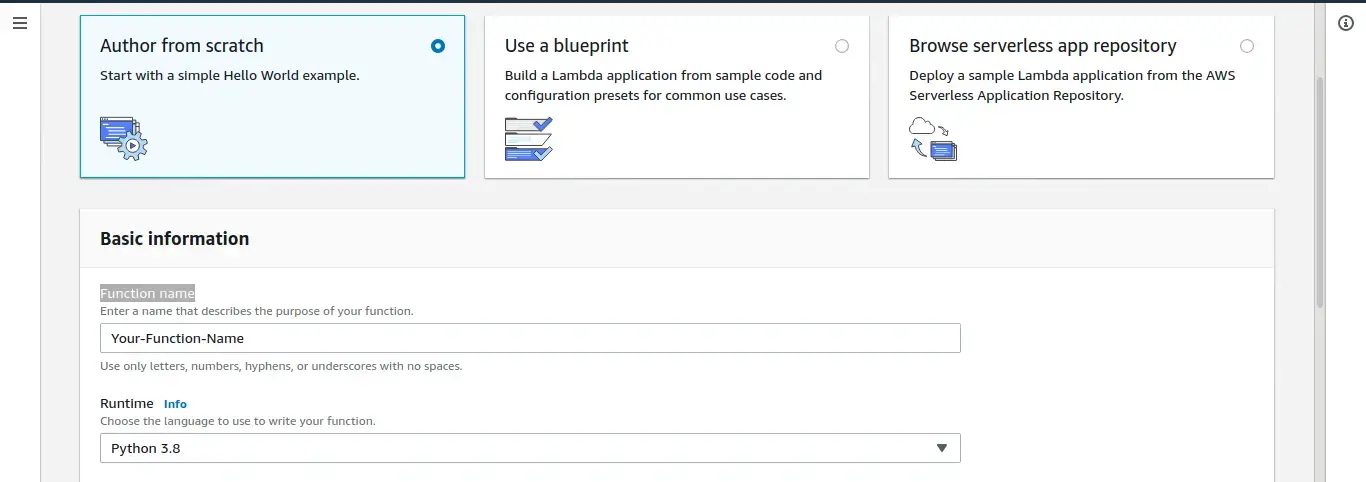
Step 4
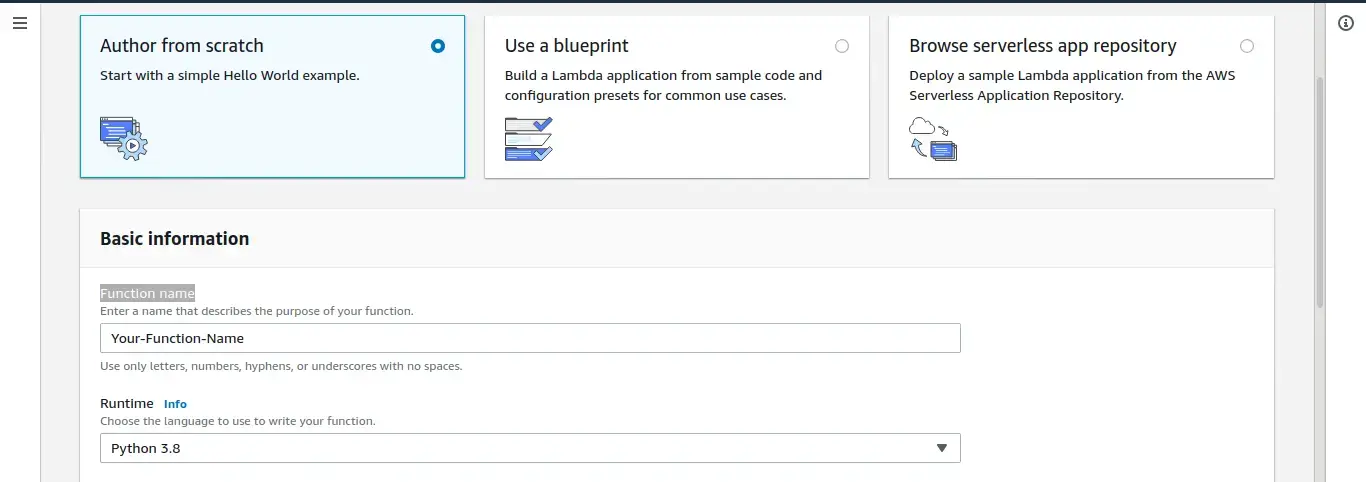
Step 5
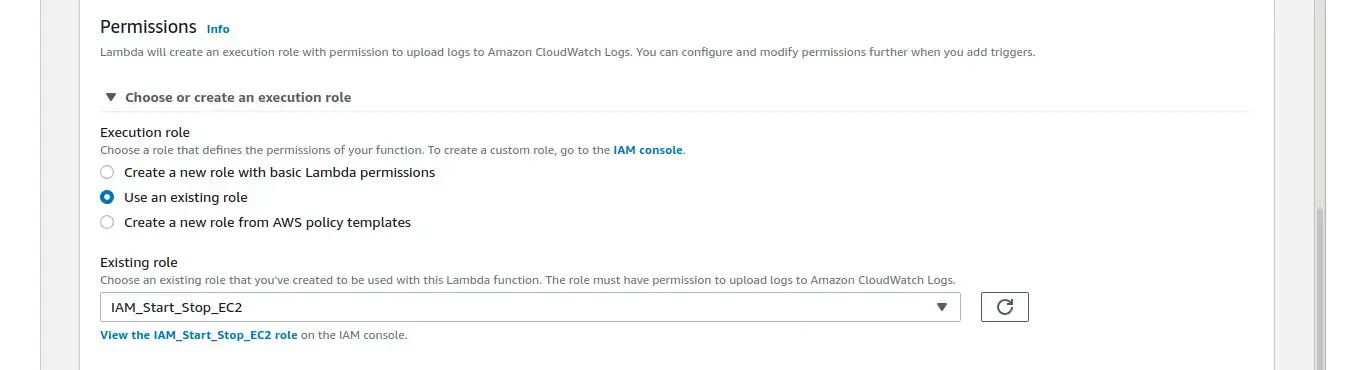
Step 6
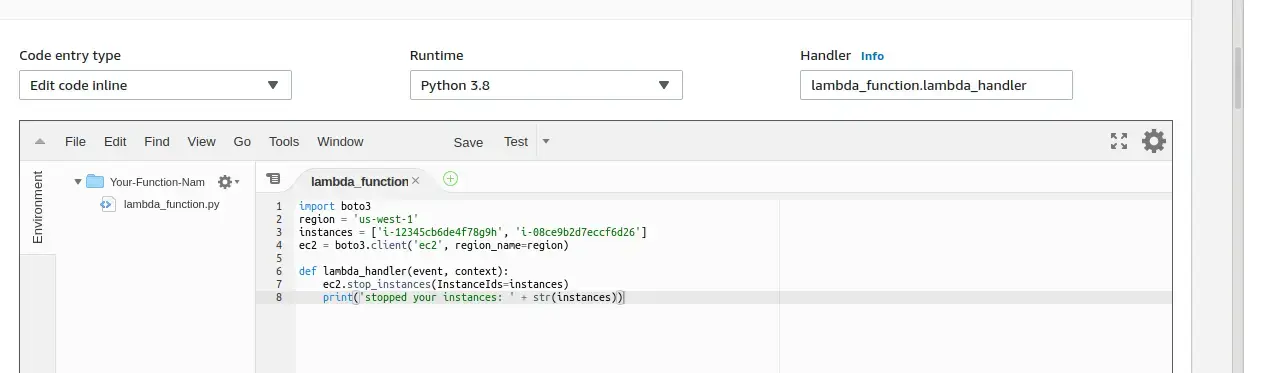
Step 7
import boto3
region = 'us-west-1'
instances = ['i-12345cb6de4f78g9h', 'i-08ce9b2d7eccf6d26']
ec2 = boto3.client('ec2', region_name=region)

def lambda_handler(event, context):
ec2.stop_instances(InstanceIds=instances)
print('stopped your instances: ' + str(instances))
Note: You have to create 2 different lambda function and do all the steps again just change the script in Step 7
import boto3
region = 'us-west-1'
instances = ['i-12345cb6de4f78g9h', 'i-08ce9b2d7eccf6d26']
ec2 = boto3.client('ec2', region_name=region)


def lambda_handler(event, context):
    ec2.start_instances(InstanceIds=instances)
    print('started your instances: ' + str(instances))
Note: For region, replace “us-west-1” with the AWS Region that your instances are in. For instances, replace the example EC2 instance IDs with the IDs of the specific instances that you want to stop and start.
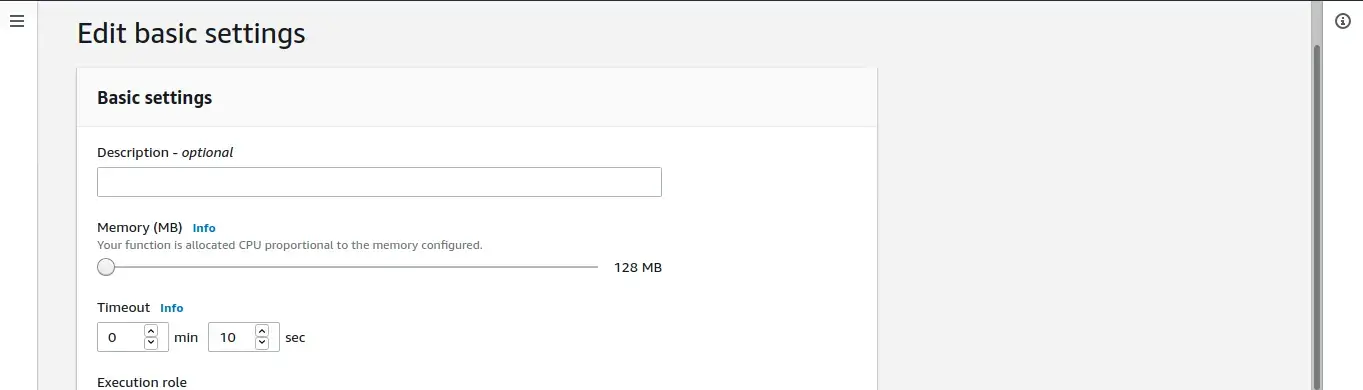
Step 8
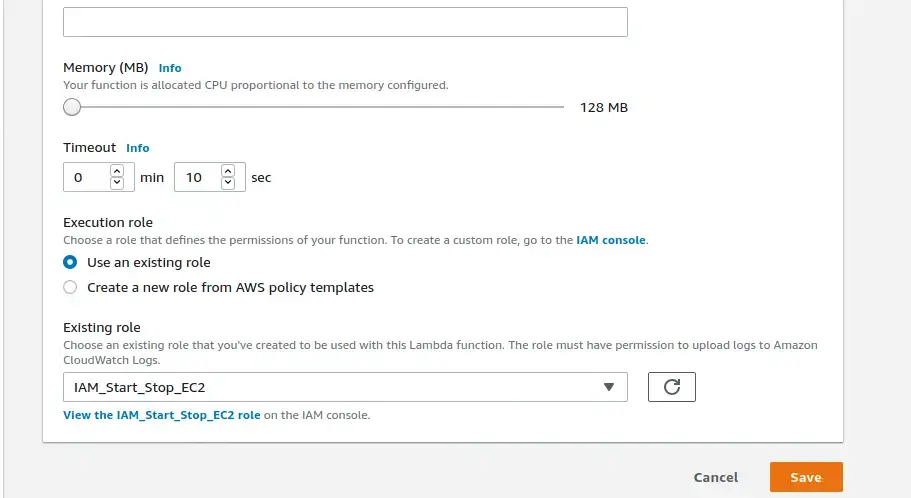
Note: Configure the Lambda function settings as needed for your use case. For example, if you want to stop and start multiple instances, you might need a different value for Timeout, as well as Memory.
Step 9
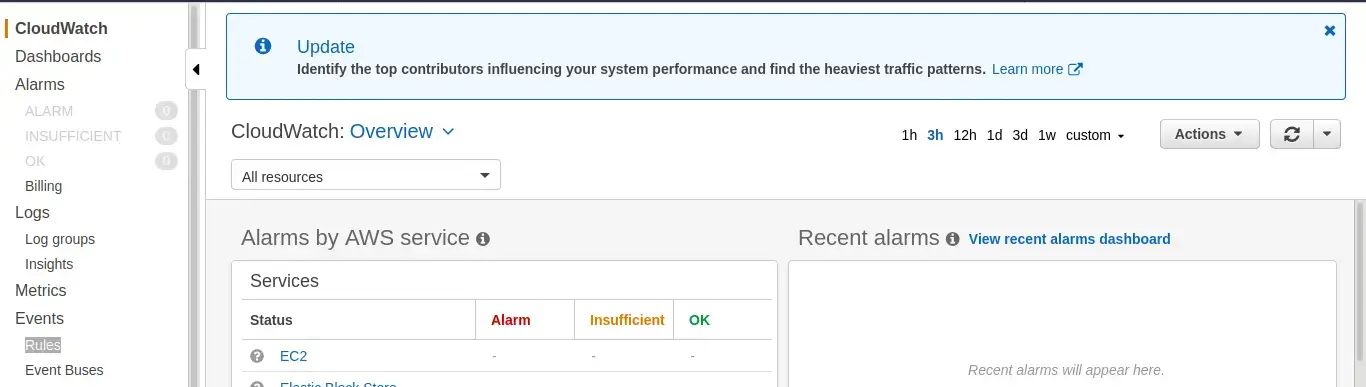
Step 1
Step 2
Step 3
Step 4
Step 5
Note
You don’t need to change the JSON code for the test event—the function doesn’t use it.
Step 6
Step 1
Step 2

Step 3
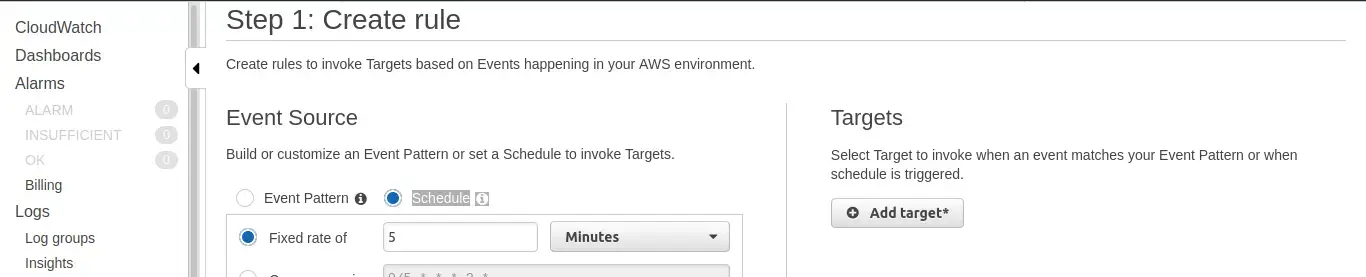
Step 4
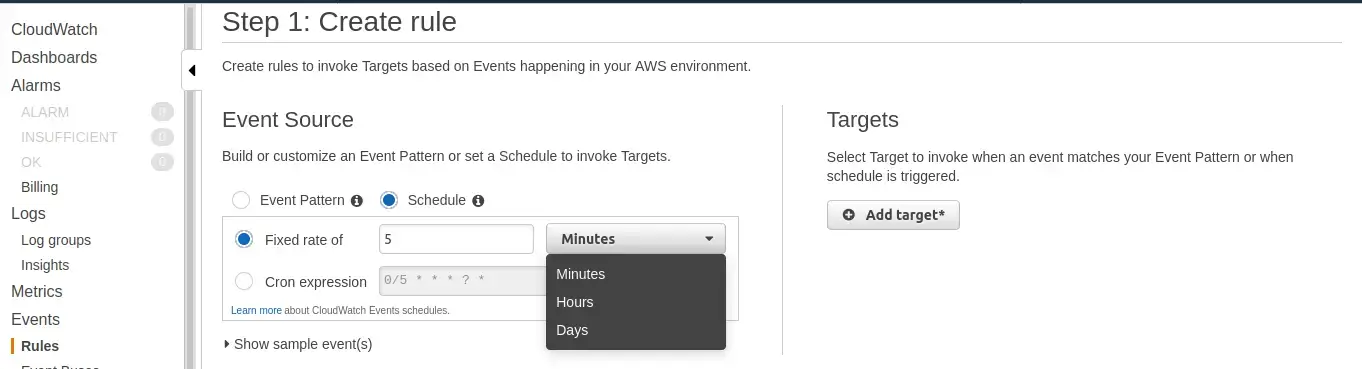
Step 5
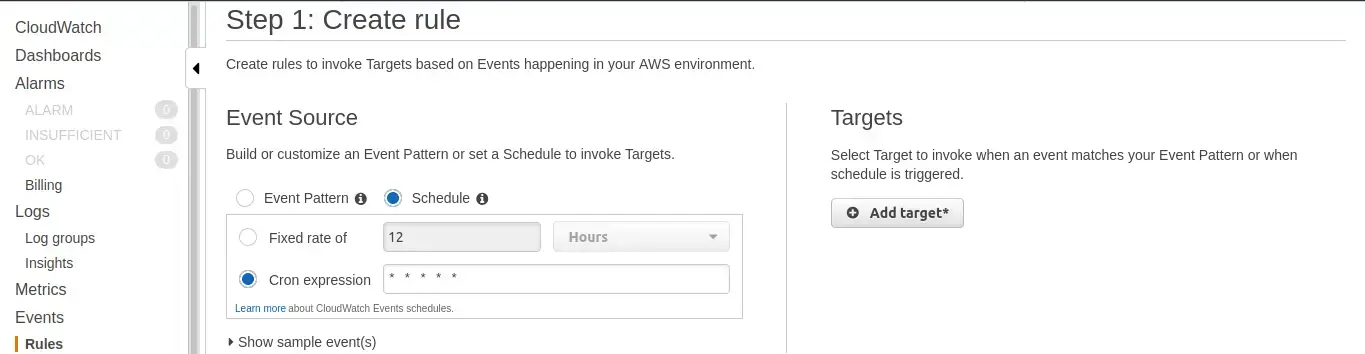
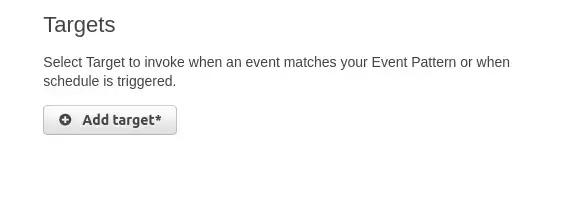
Note
Cron expressions are evaluated in UTC. Be sure to adjust the expression for your preferred time zone.
Step 6
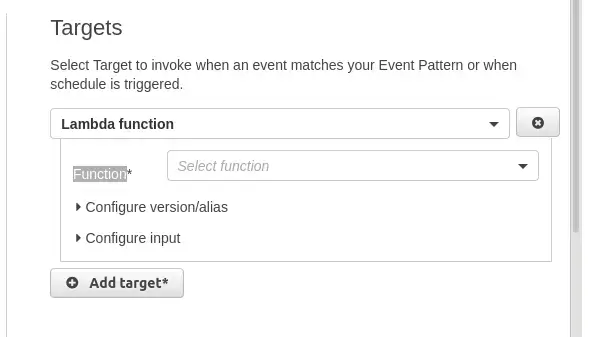
Step 7
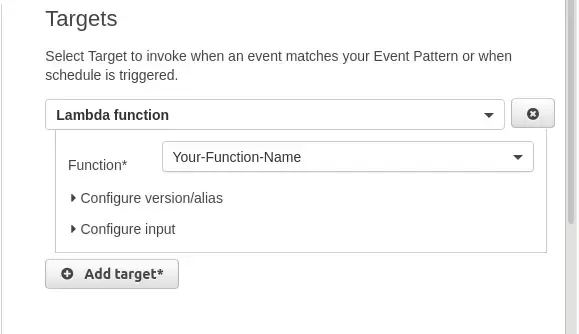
Step 8
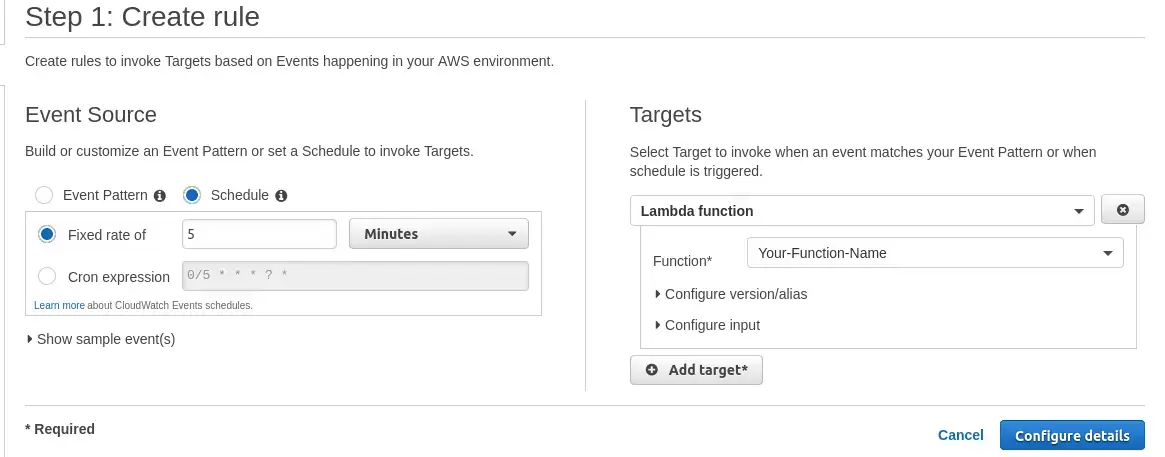
Step 9
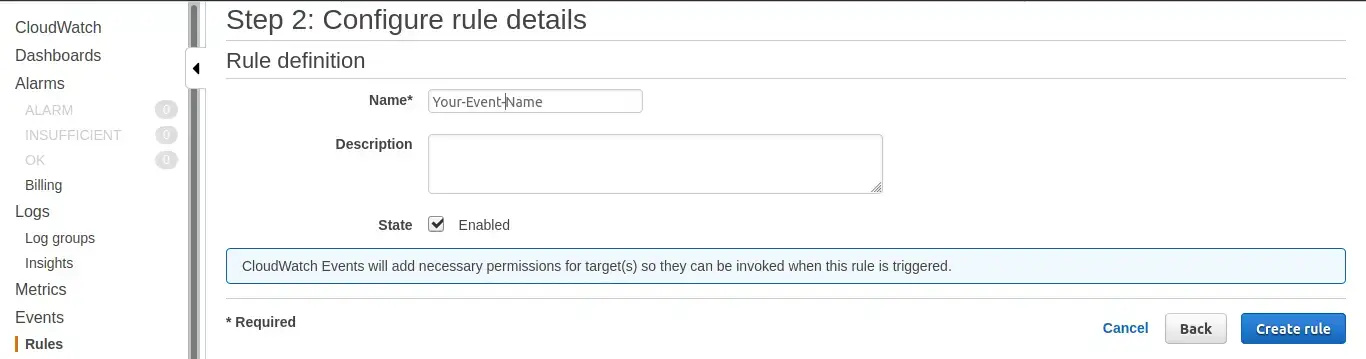
Step 10
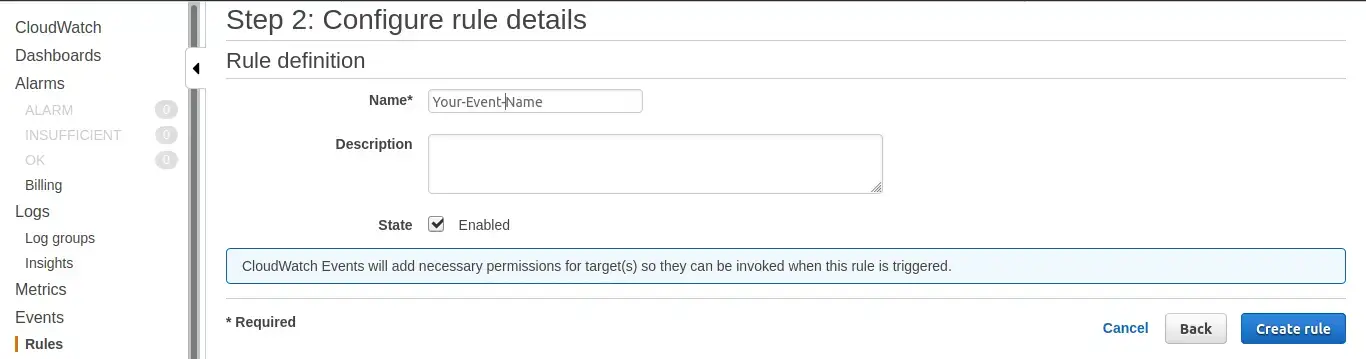
Step 11
Once all these steps are successfully completed, you have your automated lambda function ready that will stop-start your specified instances at your specified time. If facing problems in implementation anywhere in this process, feel free to contact us and we will be more than happy to assist you.
Also read : Serverless compute on AWS: AWS Lambda


Nirav Shah is the Director of Eternal Web Pvt Ltd, an AWS Advanced Consulting Partner and certified Odoo Partner based in the UK. With over a decade of experience in cloud computing, digital transformation, and ERP implementation, Nirav helps enterprises adopt the right technology to solve complex business challenges. He specialises in AWS infrastructure, Odoo ERP, and web development solutions for businesses across the UK and beyond.
Have queries about your project idea or concept? Please drop in your project details to discuss with our AWS Global Cloud Infrastructure service specialists and consultants.